
Optical Media
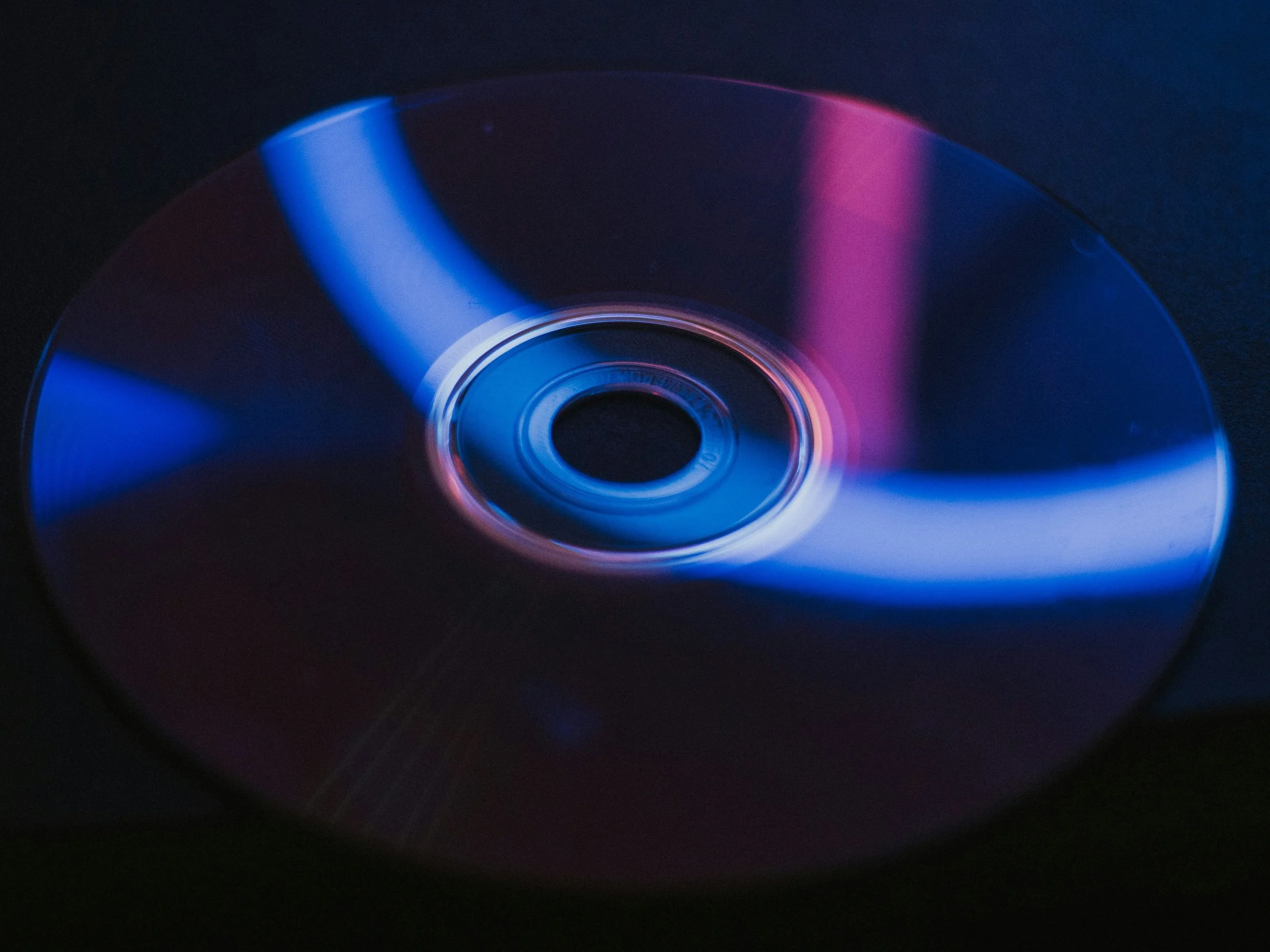
There’s been rumblings on the internet recently about an ancient technology long-thought forgotten that’s peeking its head out of the sand. In a time of prohibitive price increases on nearly every aspect of the consumer computer space, you might ask, where can I possibly afford to store my precious photos from the 2015 family trip to O’ahu? Contemporary methods (flash drives, external drives, SD cards) aren’t a good solution; they’re prone to failure and data rot even over the near term. The cloud, perhaps? Maybe, but in this case, you’re still not looking at a guarantee of that data (a PBS affiliate just lost 50TB of data to this). Where then, does that leave us? Why, back in the 2000s with DVD and Blu-ray of course!
Optical media has been shown to have strong longevity for archival use. That being said, there are some caveats and barriers to entry.
· CD/DVD-ROMs is not what we need, here. So your original copy of Kangaroo Jack you bought on release will continue to sit undisturbed on the shelf instead of being played for your friends.
· CD-R, DVD-R, BD-R, the stuff with -R after it is what we’re looking for. These can only be written to once, so make sure you put the right stuff on them the first time. While these by themselves offer better data longevity than other storage media, the M-DISC variants were specifically developed for this type of archival use case.
· You’ll need a disc drive that can write to the disc format of your choice. USB CD/DVD/BD drives are still sold/manufactured relatively cheaply. If you want to use M-DISC, make sure the drive supports writing to that format specifically.
· Most old heads know this already, but it’s worth noting that optical discs are susceptible to physical damage. Scratches, scuffs, et cetera, have the potential to make the disc unreadable. Invest in some storage for your storage; a binder should be fine for infrequent use, but some nice jewel cases will help minimize friction against the bottom of the disc.
First and foremost, this is not a convenient medium to work with, but if you have data that’s precious to you and want to do whatever is in your power to keep it, adding optical media to your backup strategy is a great way to do it on a budget.